How to Calculate Book Spine Width for Print
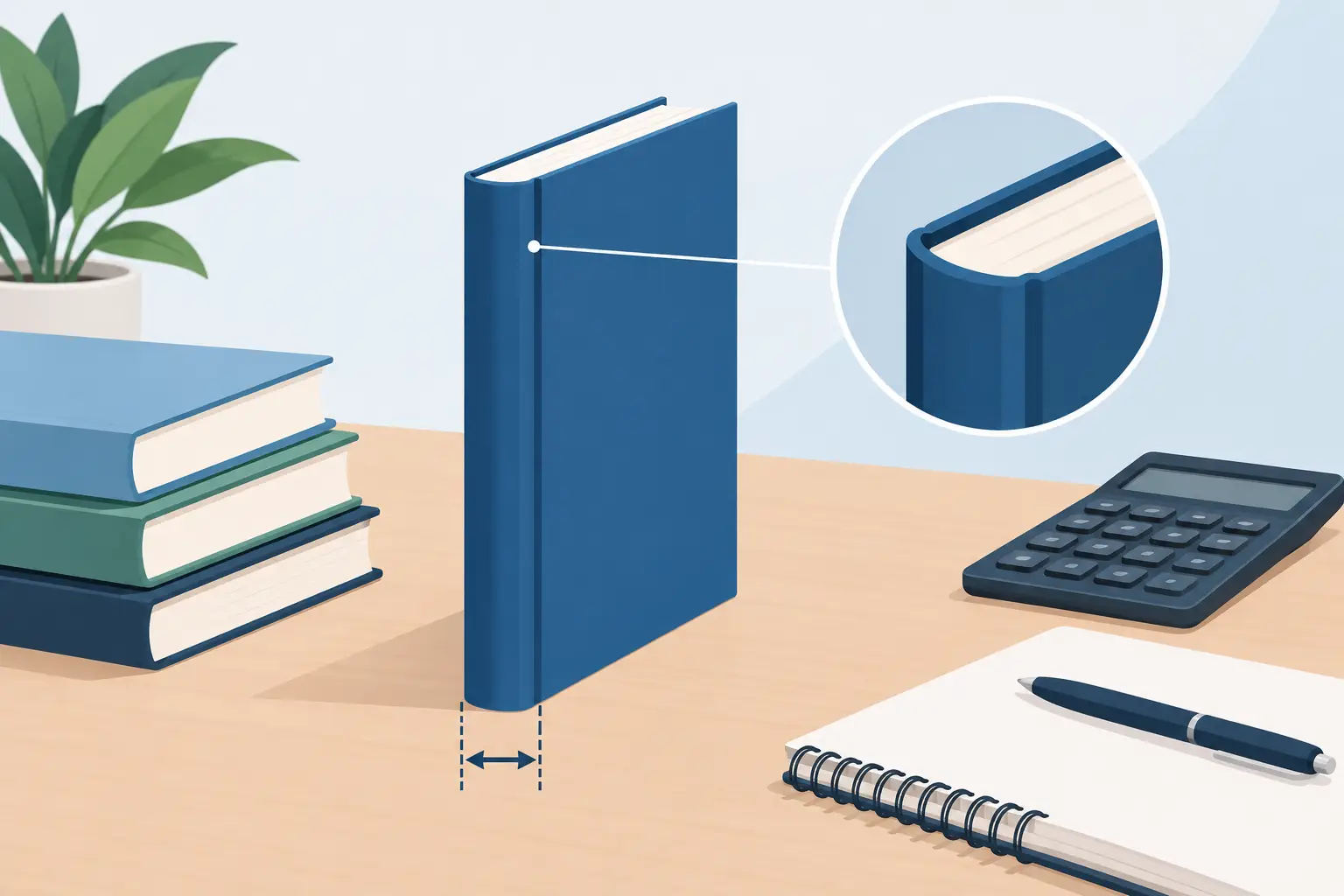
A cover can look finished on screen and still fail at the press because the book spine width was treated as an estimate instead of a production specification. A spine that is even slightly too narrow can push type onto the front or back cover. Too wide, and the cover may wrap poorly or leave visible gaps. For a commercial print book, the spine is not a design detail to guess at. It is a measurement produced by the interior, the paper, and the printer's binding process.
That distinction matters most when you are moving a completed manuscript into layout and cover production at the same time. Your final page count is not known until the interior is truly set. Your final spine is not known until that page count is paired with the paper stock and printer requirements for the edition you intend to sell.
What Determines Book Spine Width?
A book's spine is the thickness of its finished text block. In a perfect-bound paperback, it is created by stacking the printed leaves, trimming them, and gluing them into the cover. The basic logic is straightforward: more pages and thicker paper produce a wider spine.
The calculation depends on four production variables: final page count, interior paper caliper, binding type, and the printer's specific template rules. Trim size affects page count indirectly because a smaller page generally holds less text and may create more pages. It does not, by itself, determine the thickness of the spine.
Paper caliper is the thickness of one sheet of paper, usually stated in inches or microns. Since each sheet carries two pages, a 300-page book contains 150 leaves. If the interior paper caliper is 0.0025 inches, a provisional calculation would be:
`300 pages ÷ 2 × 0.0025 inches = 0.375-inch spine`
This is useful for early cover planning, but it is not a substitute for a printer template. Printers use their own paper options, manufacturing tolerances, cover construction rules, and bleed requirements. A formula can get your team close; the final template gets the file production-ready.
Why Page Count Must Be Final First
The most common spine-width mistake begins upstream: cover design starts before interior layout is locked. A manuscript's word count is not a page count. Type size, leading, margins, chapter-opening treatment, scene-break spacing, images, tables, front matter, and blank pages can all change the final result.
A 75,000-word novel may land at very different page counts depending on its trim size and typography. A nonfiction title with charts, pull quotes, and a substantial index may shift dramatically during design. Memoirs can gain or lose pages as photo placement, captions, and section breaks are resolved.
This is why an author should not ask, "How wide will my spine be?" based solely on a manuscript file. The better question is, "What is the final paginated PDF for this specific print edition?" Once that file is approved, the production team can use the printer's stated paper stock to generate the correct cover dimensions.
A controlled workflow prevents expensive rework. Edit the manuscript, set the interior, create the print-ready PDF, confirm page count, obtain the cover template, then finalize the wraparound cover. Reversing that order may feel faster for a day, but it creates a fragile cover file that must be rebuilt after every layout change.
Calculating Book Spine Width Before You Have a Template
There are times when you need a working estimate. Perhaps you are briefing a cover designer, planning a series look, or deciding whether spine text is likely to be readable. Use a provisional calculation, clearly labeled as provisional:
`Spine width = (page count ÷ 2) × paper caliper`
For example, a 240-page paperback on 0.0023-inch paper has an estimated spine width of 0.276 inches:
`240 ÷ 2 × 0.0023 = 0.276`
Do not round this number into a final production specification. The printer may use a slightly different stock, add or subtract a manufacturing allowance, or provide a template with a spine measurement that reflects its binding equipment. Use the template value when one is available, even if it differs from your estimate.
There is also a practical design question: whether the spine is wide enough for text. Requirements vary by printer, but very thin books often cannot support readable spine type. Attempting to force a title onto a narrow spine can produce cramped lettering, poor alignment, or text that disappears into the fold. For a slim volume, a strong front cover and a clean, intentional blank spine can be the more professional choice.
Paperback, Hardcover, and Other Binding Differences
Perfect-bound paperbacks are the format most authors mean when discussing spine width. The cover is a single printed sheet that wraps from back cover to spine to front cover. Its full width includes the back-cover trim width, spine width, front-cover trim width, bleed, and any printer-required safety areas.
Hardcover production follows different rules. Casebound books may include boards, hinges, turn-ins, wrap allowances, and different spine constructions. A hardcover is not simply a paperback cover with a thicker spine. It requires a template built for that printer, trim size, board specification, and binding method.
Coil-bound, saddle-stitched, and lay-flat products also need format-specific treatment. Saddle-stitched booklets, for example, do not have a conventional printable spine. If your release plan includes paperback, hardcover, and special editions, treat each cover as its own production asset rather than stretching one file across every format.
Design the Spine for Real Manufacturing Conditions
Even with the correct measurement, spine design needs production discipline. Keep text and logos inside the printer's safe area, not merely within the visible spine measurement. The fold lines are not a reliable place for delicate rules, small type, or critical visual transitions.
Choose type that remains legible at actual size. A condensed display font may look striking in a large cover mockup yet become unreadable on a 0.35-inch spine. Center spine text carefully, but expect minor physical variation in binding. Avoid designs where a fraction of an inch determines whether the title appears centered.
Series authors should plan for variation. Books in the same series can have radically different page counts, so a fixed spine treatment may not translate from one volume to the next. Establish a visual system that can flex: consistent typeface, title hierarchy, color logic, and author-name placement, with spacing that adjusts to each book's actual width.
For books with barcodes, price boxes, or retailer-specific back-cover elements, keep those assets on the back cover. They do not belong near the spine fold, where trim and binding movement can compromise them.
A Production Checklist Before You Export the Cover
Before approving a print cover, verify that the interior PDF and cover template describe the same edition. Confirm trim size, page count, paper stock, binding type, ink choice, and printer. A revised interior after cover approval may change the spine, particularly if it adds or removes enough pages to affect the text block.
Then inspect the flat cover at 100 percent scale. Check that spine text sits within the safe area, that front and back cover elements do not cross fold lines unintentionally, and that the barcode area meets the printer's placement requirements. Export the final cover PDF using the printer's requested settings, including bleed and color profile where specified.
A unified workflow helps here because the interior and cover are not treated as unrelated creative files. Tools such as Tunmire's Forge Live and Iris Live support the handoff from final interior layout to cover production, giving authors a clearer path from paginated manuscript to print-ready assets. The author still makes the visual decisions. The workflow simply makes it harder for a stale page count or mismatched template to slip into the final upload.
The best time to protect your cover is before anyone falls in love with a mockup. Lock the interior, obtain the correct printer template, and let the finished book tell you how wide its spine needs to be.
Last updated October 25, 2026
← All posts