Forge · manuscript formatting
Turn your manuscript into a print-ready PDF and EPUB.
Start with 100 free tokens. No subscription.
Your first book's PDF and EPUB are covered by your free tokens.
Prefer to work inside ChatGPT? Open Tunmire in ChatGPT.
Your manuscript stays private: it is used only to do the work you ask for. You keep all ownership of your work, and we never publish, sell or reuse it. Terms
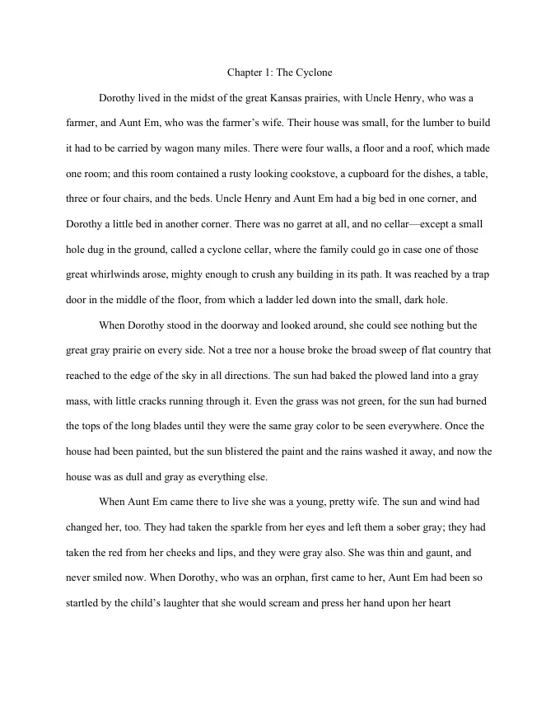
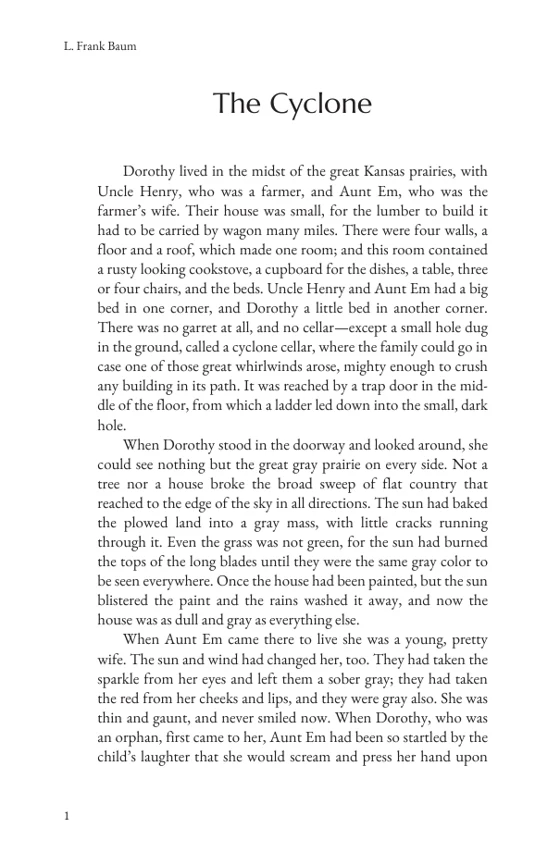
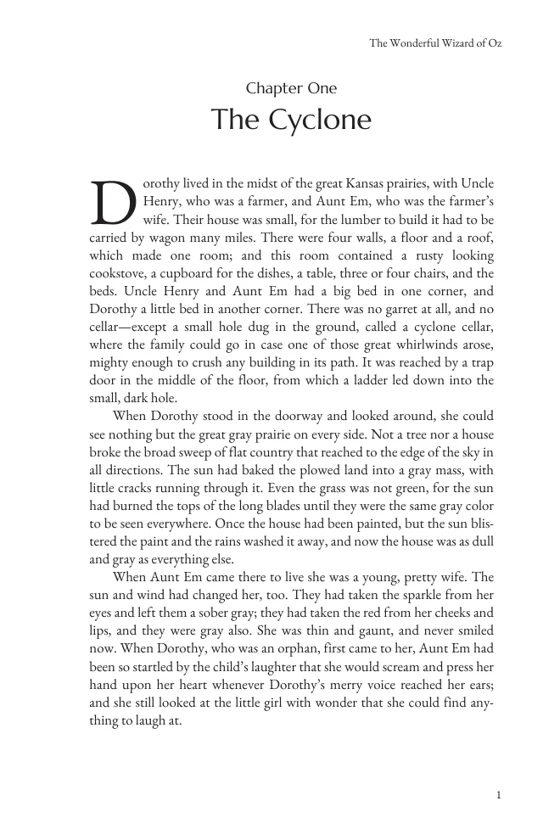
The pages are chapter 1 of The Wonderful Wizard of Oz (public domain), exported by Forge and shown as they came out, not retouched. The EPUB from the same book passed EPUBCheck with no errors or warnings.
What you bring, what you get
You bring
- Your manuscript as a .docx, .txt or .md file, up to 10 MB
- Chapters marked the usual way: a heading or a "Chapter 1" line
- Not a PDF: Forge needs the text, so save the file as .docx first
You get
- A print PDF at your trim size (29 sizes, from 4 × 6 to 8.5 × 11 in), with margins and gutter set for that size
- An EPUB for ebook stores
- Title page, copyright page and contents, which you can turn off or rewrite
- Fonts, chapter headings, drop caps and running heads you can change, with a live preview
How it works
- Upload your manuscript. Forge splits it into chapters and opens it for you to check.
- Check the chapters. Fix a title or split a chapter in the editor if the split needs it.
- Export to Print. Pick a trim size and a template, watch the preview, then export the PDF and the EPUB.
What it costs in tokens
| Start a book (once per book) | 25 tokens |
| Export the PDF | 5 tokens |
| Export the EPUB | 5 tokens |
| One book, both files | 35 tokens |
Your 100 free tokens cover one book with both files, and leave 65 tokens: enough to export 13 more times after changes, or to start a second book.
The free tokens are given once, when you confirm your email. Editing your chapters in Forge, the preview and changing the layout cost nothing; only starting a book and exporting a file do. No subscription: if you want more tokens later you buy them once, and they never expire.
No manuscript handy?
Try Forge with our sample: chapters 1 to 3 of The Wonderful Wizard of Oz, a plain .docx manuscript of 5,093 words. Try it with our sample puts it straight into Forge after you sign up, as a book of your own; starting it uses 25 of your free tokens, like any book. Or download the sample manuscript to look at first.
Ready when your manuscript is.
Your manuscript stays private: it is used only to do the work you ask for. You keep all ownership of your work, and we never publish, sell or reuse it. Terms