How to Make a Book Trailer That Sells Your Story
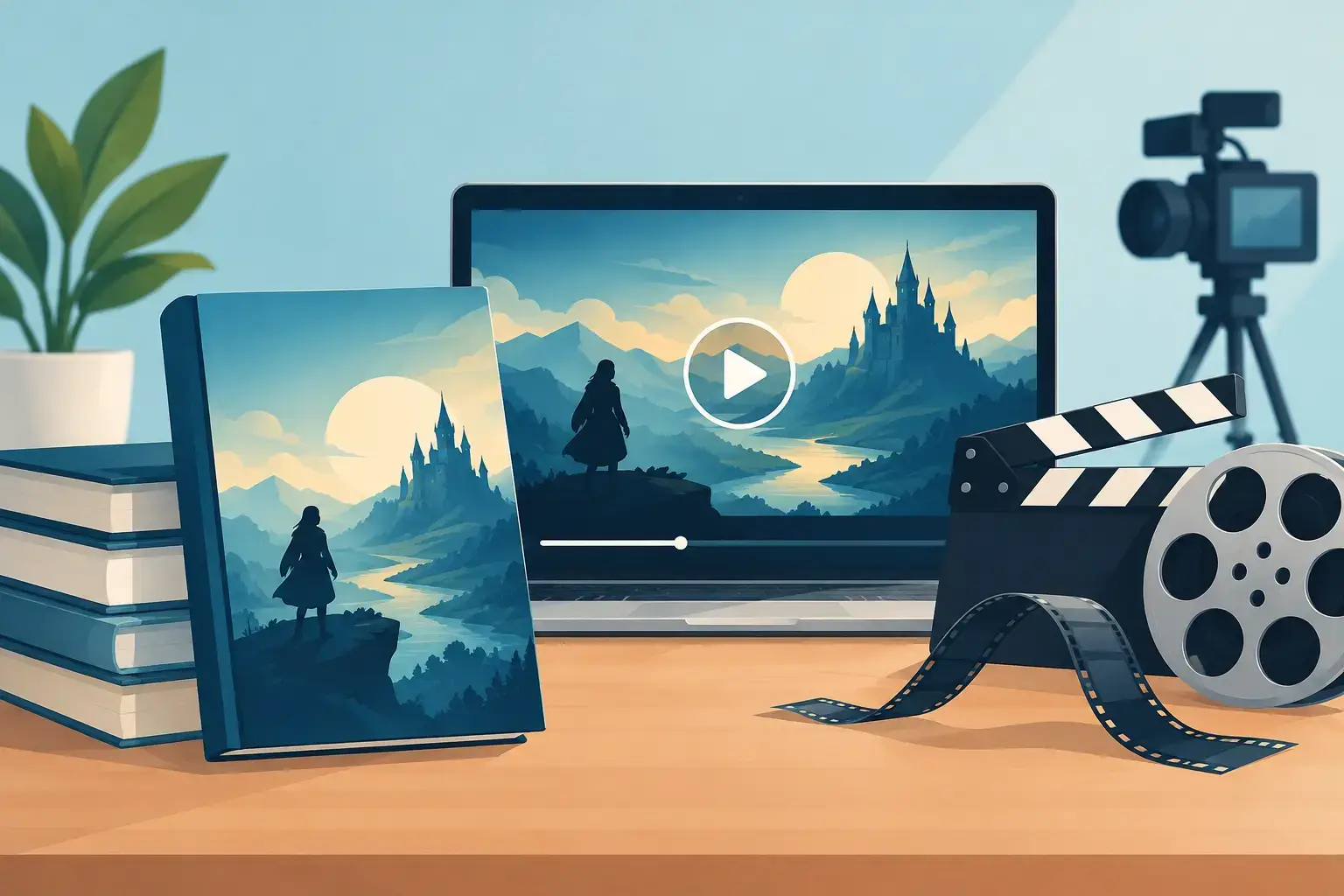
A book trailer has one job: make the right reader feel something before they know every detail of the plot. Learning how to make a book trailer is not about compressing your entire novel into 60 seconds. It is about choosing one promise - danger, desire, wonder, grief, mystery - and giving it a visual pulse.
For an author, that distinction matters. A trailer that explains too much can flatten the reading experience. A trailer built around a clear emotional hook can turn a cover reveal, preorder campaign, launch post, or retailer page into an invitation readers remember.
Start with the story promise, not the synopsis
Before choosing images, music, or editing software, identify the feeling your book delivers best. A romance may promise an impossible connection. A thriller may promise that no one is telling the truth. Epic fantasy may promise a kingdom on the edge of collapse. Literary fiction may promise an intimate transformation that cannot be said aloud.
Write that promise in one sentence. Keep it focused on the reader's experience, not the mechanics of the plot. "A detective races to solve a murder" is functional, but "Every witness remembers the night differently" creates tension and leaves room for imagination.
Then choose the trailer's central question. This is the question that should linger after the final frame: Who can she trust? What happened in the woods? Will he return before the city burns? A strong trailer does not answer this question. It makes the reader want the book that will.
A useful working length is 30 to 60 seconds. Shorter trailers work well for social posts and cover reveals. A 60- to 90-second trailer can support a launch page or event presentation, but only if every moment earns its place. Length is not a sign of quality. Momentum is.
Write a production brief before you shoot or generate anything
Treat your trailer as a small film production. A brief keeps your visual decisions consistent and prevents the common problem of collecting beautiful assets that do not belong in the same world.
Your brief should establish the genre, audience, emotional tone, color palette, setting, and visual references. For example, a Gothic mystery might use candlelit interiors, storm-washed stone, faded portraits, and restrained typography. A contemporary romantic comedy may call for warm sunlight, tactile details, lively cuts, and clean type. The goal is not to copy another film or campaign. It is to define rules that make your trailer feel like one property.
Include practical details, too: the title, author name, release date or preorder message, cover art, and any required retailer or series language. These are not afterthoughts. They determine how much screen time you need at the end and how the trailer will be versioned for different channels.
If your book already has a finished cover, use it as the visual anchor. Its type treatment, colors, and atmosphere should inform the trailer. When a reader sees your trailer and then sees the cover, the connection should feel immediate.
Build a beat sheet before you build scenes
A beat sheet is a simple sequence of moments, usually five to eight, that controls the trailer's pacing. It is not a screenplay and does not need detailed camera instructions. It tells you what the audience sees, hears, and feels in each section.
A dependable structure looks like this:
- Open with an image or line that establishes the world and mood.
- Introduce the character, threat, desire, or disruption.
- Escalate with two or three increasingly specific visual beats.
- Land on the central question or a compelling line of copy.
- Reveal the cover, title, author name, and call to action.
For a psychological thriller, the first frame might show a phone lighting up in a dark bedroom. The next frames could introduce an unanswered voicemail, a familiar face in an old photograph, and a door left open in the rain. The title arrives after the tension has earned it.
This approach protects you from a trailer that feels like a slideshow. Each beat should change the audience's understanding or raise the emotional pressure.
How do I keep characters and settings consistent across shots?
Book trailers often fail when their characters look different from shot to shot. One image suggests a dark-haired heroine in her twenties; the next introduces someone with another age, face, or style. Readers notice, especially when the book depends on a vivid cast.
Create character references before generating or selecting visuals. Define approximate age, facial features, hair, wardrobe, posture, era, and the details that matter to the manuscript. Do the same for key locations, objects, and symbols. A signet ring, scarlet coat, winter greenhouse, or battered pickup truck can become a recognizable production asset when used consistently.
You do not need to show every main character's face. In fact, withholding faces can be a smart choice when readers strongly prefer to imagine characters for themselves. Use silhouettes, hands, reflections, backs of heads, environmental detail, or close-ups of meaningful objects. The trade-off is that atmosphere must do more work. If you show faces, make them intentional and consistent.
For authors building multiple assets around one book, a shared manuscript and asset library reduces rework. Tunmire's Hermes builds a trailer from your book's own scenes, imagery, and narration, so the cover, character references, and trailer draw from the same book rather than separate folders.
How do I write trailer copy that sounds like my book?
The words on screen should carry your book's voice, not generic movie-preview language. Avoid inflated claims such as "the most shocking story of the year" unless they are supported by a credible review campaign. Readers can sense borrowed drama.
Use short phrases that create movement. A trailer is not the place for a paragraph of backstory. Aim for five to 12 words per screen, with enough time for the viewer to read comfortably. If the music is fast or the image is visually dense, use even fewer words.
Pull from the manuscript when possible. A sharp line of dialogue, an unsettling observation, or a phrase that appears at a turning point can carry more authority than newly written marketing copy. Check that it works out of context and does not spoil a reveal.
Typography deserves the same attention as imagery. Choose a readable typeface that complements the cover, then use it consistently. Keep important text away from the edges so it remains visible when platforms crop video for vertical, square, or mobile formats.
What should carry the tension: music, sound effects, or voiceover?
Music sets the trailer's emotional temperature faster than most visuals can. Choose a track that supports the genre without overwhelming the words. A quiet piano motif may suit historical romance; pulsing percussion can sharpen a chase-driven thriller; sparse ambient sound may be more effective for horror than a wall of noise.
Sound effects should be selective. A match strike, train brake, distant thunder, breathing, a lock clicking shut - one precise sound can make an image feel physical. Too many effects can make a book trailer feel like a template rather than a finished campaign asset.
Voiceover is optional. It can add personality when a narrator has the right tone and delivery, particularly for memoir, nonfiction, or a distinctive first-person novel. But a weak or overly theatrical read can undermine the material. If the trailer's images and copy already carry the emotion, music and text may be the stronger choice.
How do I edit and export the trailer for different platforms?
The first three seconds are critical. Begin with movement, contrast, a striking image, or a line that creates immediate tension. Do not start with a long logo animation or a full title card. Readers need a reason to stay before they are asked to remember the title.
As you edit, remove anything that repeats information without increasing emotion. Watch once with sound, once without sound, and once on a phone. The silent viewing test matters because many social viewers will encounter the trailer muted. Captions or on-screen copy should preserve the core message.
Create more than one final version when your campaign calls for it. A horizontal version works for websites, video platforms, and event screens. A vertical cut supports short-form social channels. A square version may be useful for feeds. Keep the opening hook and final cover reveal consistent, even when the middle is adapted for the format.
Before publishing, run a final quality check: confirm character details, spelling, title treatment, release information, music rights, audio levels, and mobile-safe text placement. Export a high-quality master first, then platform-specific versions. Keep the editable project and source assets organized for future updates, paperback releases, awards, translations, or audiobook campaigns.
Your trailer does not need to look like a studio feature to work. It needs to look like it belongs to your book - deliberate in its imagery, faithful to its voice, and confident enough to leave readers wanting the next page.
Last updated November 20, 2026
← All posts