Self-Publishing Workflow Checklist for Authors
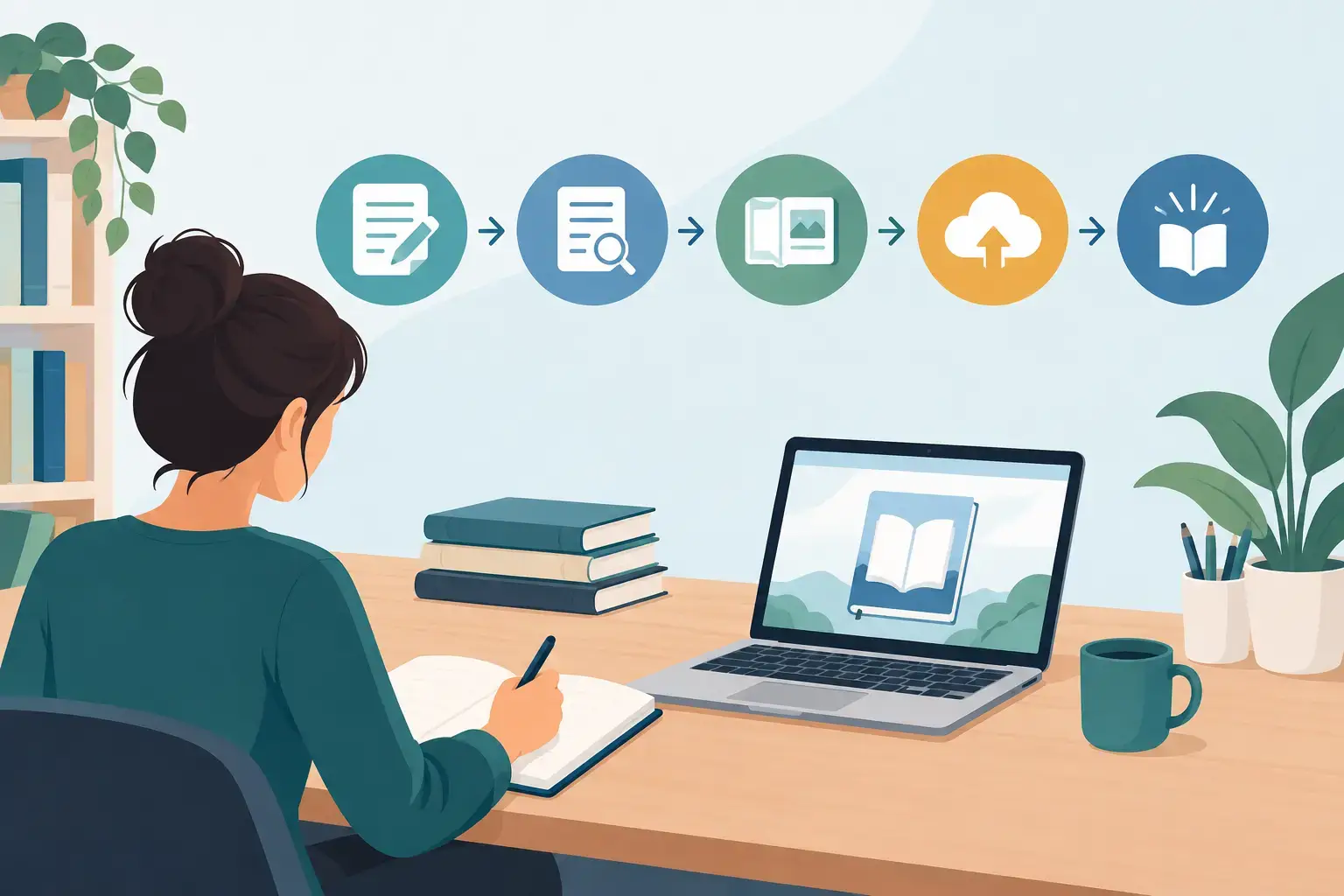
A finished draft is not yet a finished book. Between "The End" and publication sit decisions that protect your story on the page, in an ebook reader, in a listener's headphones, and on a sales page. This checklist walks you through turning a manuscript into a finished book without losing control of its voice, visual identity, or production quality.
Start With a Locked Manuscript
Do not begin layout, cover work, audiobook recording, or translation while the manuscript is still changing chapter by chapter. Late revisions create expensive rework and can introduce continuity errors across every format.
Create one approved source manuscript. Confirm the title, subtitle, author name, chapter order, front matter, back matter, acknowledgments, and any epigraphs or permissions. For fiction, also check the details readers notice immediately: character spelling, timelines, place names, invented terms, and series references. A character who has green eyes in Chapter 2 should not acquire brown eyes in the trailer artwork or audiobook description.
Your editorial pass should move from big-picture questions to small ones. Developmental editing tests the story's structure, stakes, pacing, and point of view. Copyediting improves clarity, consistency, grammar, and usage. Proofreading happens after the book has been formatted, because a clean manuscript can still develop line-break errors, missing text, or awkward page turns in layout.
Before you approve the manuscript for production, save a versioned master file and write down your final decisions. This is the text every later asset should draw from.
Build a Production Brief
A production brief turns your preferences into usable specifications. It stops the cover designer, interior formatter, narrator, translator, and marketer from making disconnected assumptions about the same book.
Write down the book's genre, ideal reader, comparable titles, trim size, print format, ebook format, series position, and planned release date. Define the visual direction with practical language: high-contrast thriller typography, illustrated romantic fantasy, clean business-book authority, or literary historical texture. "Make it dramatic" is not an instruction. "Use a dark forest palette, a central silhouette, and readable title type at thumbnail size" is.
Include a short story bible for fiction or a terminology sheet for nonfiction. Record pronunciation guidance, character descriptions, location references, recurring symbols, and words that should never be changed in translation. These details matter most when you create an audiobook, foreign-language edition, trailer, or future adaptation.
Set format priorities early
You do not need to release every edition on the same day. A print-and-ebook launch may be the right first move for a debut novel with a limited budget. An audiobook-first approach may make sense for genre fiction with a strong listening audience. Translation is worth planning from the beginning even if you release it later, because a well-maintained manuscript and terminology record make localization far more reliable.
Choose your first release formats, then set a realistic sequence for the rest. The goal is not to do everything at once. It is to make sure each new edition has a dependable source of truth.
Create a Cover That Works at Every Size
Your cover has two jobs: signal the right reading experience and stay legible where readers actually see it. That means it must work as a tiny digital thumbnail, a full front cover, and, for print, a complete wrap with spine and back cover.
Approve the front-cover concept before expanding it into print specifications. Check title readability on a phone screen. Check whether the imagery fits your genre rather than simply looking attractive. A beautiful cover that signals the wrong category can attract the wrong readers and disappoint the right ones.
For print, confirm the trim size, page count, paper choice, binding type, bleed requirements, spine width, barcode space, and back-cover copy. The page count matters because it changes the spine. Do not finalize a full print cover until the interior pagination is stable.
Keep the approved cover elements in a shared asset library: final logo or author mark, title treatment, fonts, approved character art, color references, and source files. A picture editor like Theoria can help you build or adjust that art without starting from scratch each time. Keeping these assets together makes later audiobook tiles, social graphics, translations, and trailers feel like parts of the same property rather than unrelated campaigns.
Format the Interior for Reading, Not Decoration
Interior design should disappear into the reading experience. A novel needs comfortable margins, clear chapter openings, reliable paragraph treatment, and typography that supports long reading sessions. A nonfiction book may also need heading hierarchy, callout styles, tables, illustrations, notes, and navigation that remain usable in ebook form.
Prepare separate production files for print and ebook. Print layout is fixed and page-based. EPUB is reflowable, meaning readers can adjust type size, spacing, and device settings. Copying a print PDF into an ebook workflow rarely produces a good result.
Run a format-specific quality check before export:
- Confirm every chapter begins and ends where intended, with no blank pages, widows, or awkward breaks.
- Check the table of contents, internal links, footnotes, image captions, and front/back matter navigation.
- Review special characters, scene breaks, italics, decorative initials, and images on more than one screen size.
- Validate EPUB files and inspect the print PDF against printer rules for bleed, margins, fonts, resolution, and color setup.
Forge can lay out the manuscript and export a print-ready PDF alongside a validated EPUB, so the two formats come from the same source instead of drifting apart.
Prepare Metadata Before You Upload
Metadata is the language that helps stores, libraries, and readers understand where your book belongs. Treat it as publishing copy, not an afterthought finished five minutes before release.
Finalize your book description, author bio, categories, keywords, pricing, publication date, edition details, and series information. Your description should establish the premise, tension, and reader promise quickly. It should not summarize every plot turn or sound like a school report.
Categories and keywords require judgment. Broad labels increase competition, while overly narrow labels can make a book hard to discover. Use the terms real readers use when looking for books like yours. For a cozy mystery, "small-town mystery" may be more useful than a clever phrase only you understand.
Check that the title, subtitle, author name, series name, and description match across every format. Small inconsistencies can split reviews, confuse readers, and weaken a series brand.
Add Audio and Translation With Editorial Control
An audiobook is a performance, not a text-to-speech export. Select a narrator or voice that matches the book's age range, genre expectations, emotional register, and point of view. Listen to auditions using dialogue-heavy scenes, quiet emotional scenes, and difficult names. A voice that suits a dramatic excerpt may become tiring across ten hours of narration.
Provide the narrator with the final manuscript, pronunciation guide, character notes, and a list of intentional stylistic choices. Review the finished audio for misread words, uneven pacing, chapter labels, and continuity in character voices. Approve the voice before committing to the full production whenever possible. Orpheus can turn a manuscript into a finished audiobook, with a single narrator or a full cast and sound effects chosen by ear, so you can compare options before you commit.
Translation also needs more than word substitution. Review names, idioms, humor, cultural references, register, and genre tone. Decide whether place names, titles, and invented terms remain unchanged or receive localized treatment. A bilingual review pass is especially valuable for protecting meaning while making the translated book feel natural to its new audience.
Build Launch Assets From Approved Materials
Once the book files are stable, create launch materials from the approved cover, manuscript, and story bible. This is where many authors lose visual consistency by improvising new imagery or changing the book's promise after production is complete.
Your launch package should include a retailer-ready description, author bio, cover images sized for key uses, sample pages or excerpts, advance reader instructions if applicable, and a simple content plan for the first weeks after release. If you create a book trailer, build it around a single emotional promise rather than trying to retell the entire plot in sixty seconds. Hermes builds a trailer from the book itself around one scene, narrated over music, which keeps it tied to the book rather than becoming a separate project.
Keep each asset connected to its source. If the cover changes, update the trailer card, audiobook tile, website graphics, and translated edition files deliberately. If a character description changes, check every visual and audio representation before it reaches readers.
Run the Final Preflight Check
Before publication, review the book as a reader would. Open the EPUB on a phone, tablet, and e-reader if available. Inspect the print proof physically, not just on screen. Listen to audiobook samples with headphones. Read store metadata aloud for typos and unclear phrasing.
Then confirm the operational details: rights and permissions are documented, files use final filenames, pricing is correct, publication territories are selected, and backups exist for every approved source file. If you are releasing a series, make sure the next-book teaser and series links point to the correct place.
Publishing is a chain of creative approvals, not one last upload button. Build your workflow so every cover, sentence, page, voice, and translation earns its place. Your readers will experience the finished result as one world. Make sure every format lets them enter it with confidence.
Last updated November 23, 2026
← All posts